#Devops Day15
Hello, Everyone, This is my 15 blog started my day15 as AWS DevOps Engineer #90daysofchallenge with ShubhamLondhe #devops #trainwithshubham.
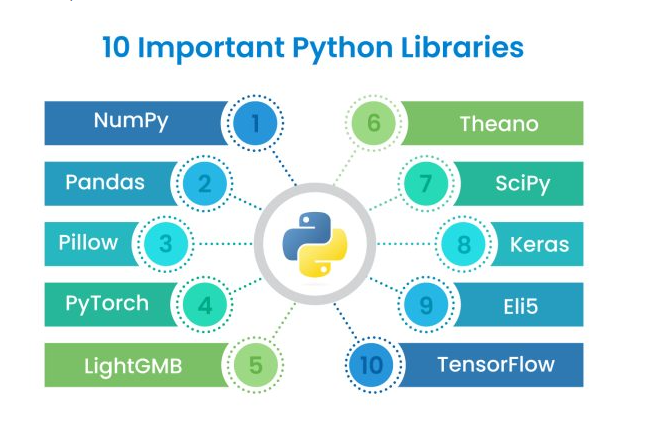
Python Libraries for DevOps
Reading JSON and YAML in Python
As a DevOps Engineer you should be able to parse files, be it txt, json, Yaml, etc.
You should know what all libraries one should use in Python for DevOps.
Python has numerous libraries like
Os,sys,json,yamletc that a DevOps Engineer uses in day to day tasks.
Task 1: Create a Dictionary in Python and write it to a JSON File:
JSON (JavaScript Object Notation):
->Library: json
->Purpose: Used for encoding and decoding JSON data.
->Functions:
-> json.dumps(): Serialize Python data to a JSON formatted str.
-> json.dump() Write a Python object in JSON format to a file.
-> json.loads(): Deserialize a JSON document to a Python object.
-> json.load(): Read a file containing a JSON document and convert it to a Python object.
Example:
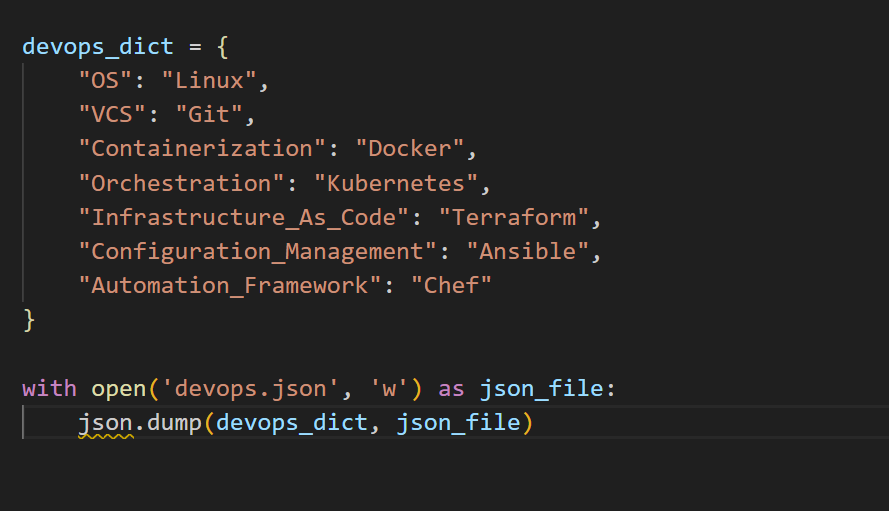
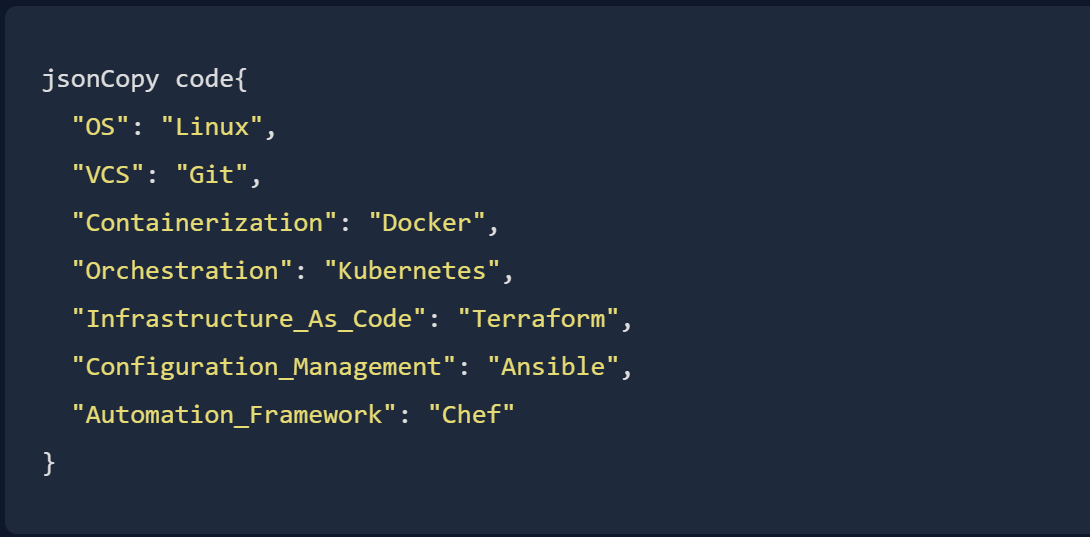
After running this code, a file named 'devOps.json' will be created in the same directory, containing the JSON representation of the DevOps dictionary. The file content will look like this:
Task 2: Read a json file service.json kept in this folder and print the service names of every cloud service provider.
Certainly! To achieve this, you can use the json module in Python. Here's a simple example:
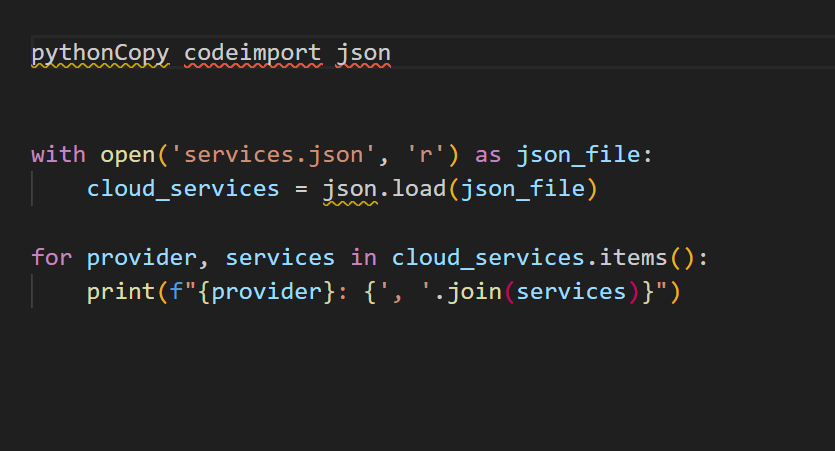
it produce the desired output:
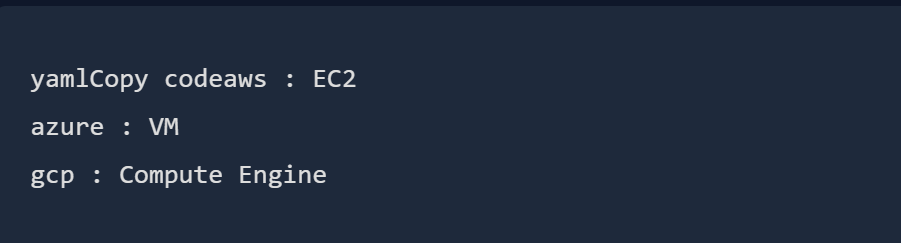
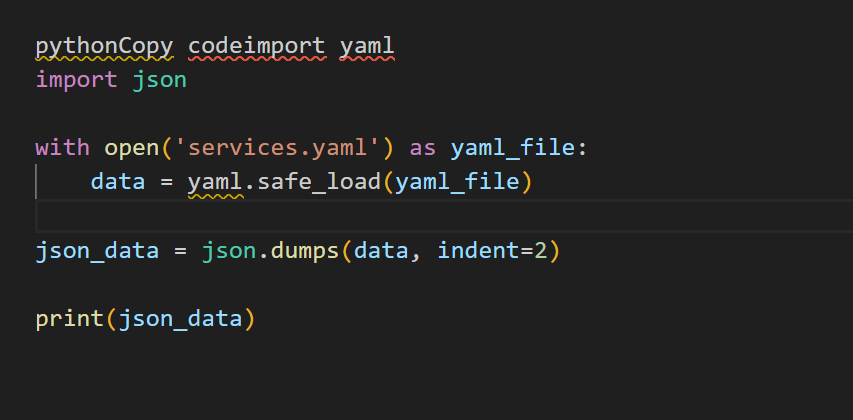
Task 3: Read YAML file using python, file service.yaml and read the contents to convert yaml to json:
To read a YAML file using Python and convert its contents to JSON, you can use the PyYAML library to handle YAML parsing. Make sure to install the library first:

Now, you can use the following Python code: